

Phomemo P15 Vintage Ribbon Printer
P15 / Printer
Sale price
$61.99
Regular price
$153.99
Skip to product information






Free US Shipping
24/7 support
14 days return
Phomemo P15 Vintage Ribbon Printer
Sale price
$61.99
Regular price
$153.99
Get it now, pay later in 3 interest-free installments.
Klarna
203 DPI
Ink-Free
Smart App
Thermal transfer
Wide Applications
Anam
✓
and 458 people purchased today
30-day Risk-free Trial
1-Year Warranty & Lifetime Support
30-day Price-Match
Key Features
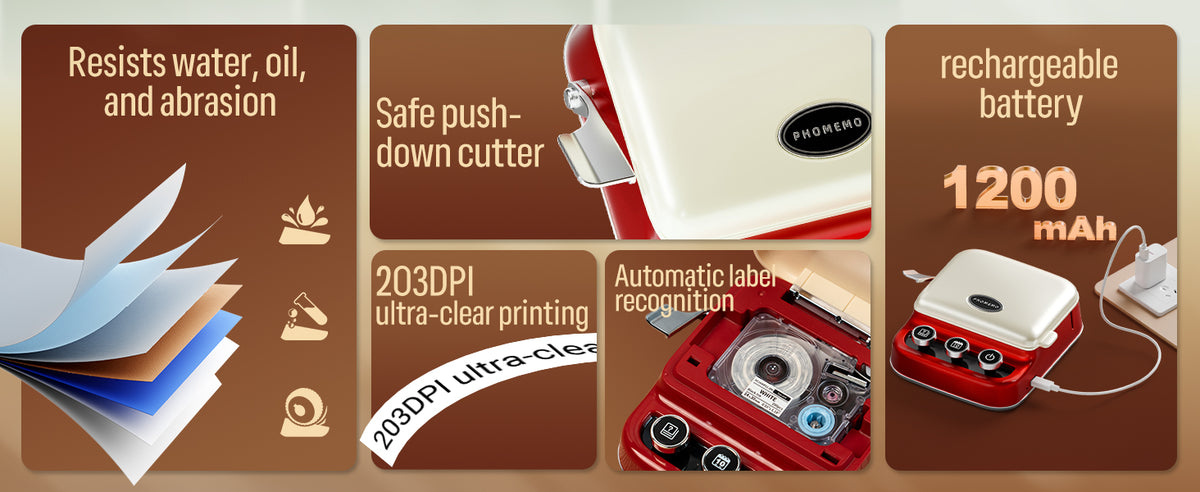
- Compact and Portable: Weighs only 564g, size 134*131*46mm, print your labels anytime and anywhere.
- Power and Capacity: Lithium battery, 1200mAh, lasts 2.5 hours.
- High Definition: 203 dpi, dark color imaging, smooth printing effect and pictures.
- Inkless Printing: Supports thermal transfer printing technology, no need to replace the ink cartridge, easy to operate, environmentally friendly.
- High Compatibility: Enjoys the convenience of printing with direct editing from the keyboard and support for wireless printing from mobile devices such as iOS and Android phones and tablets.
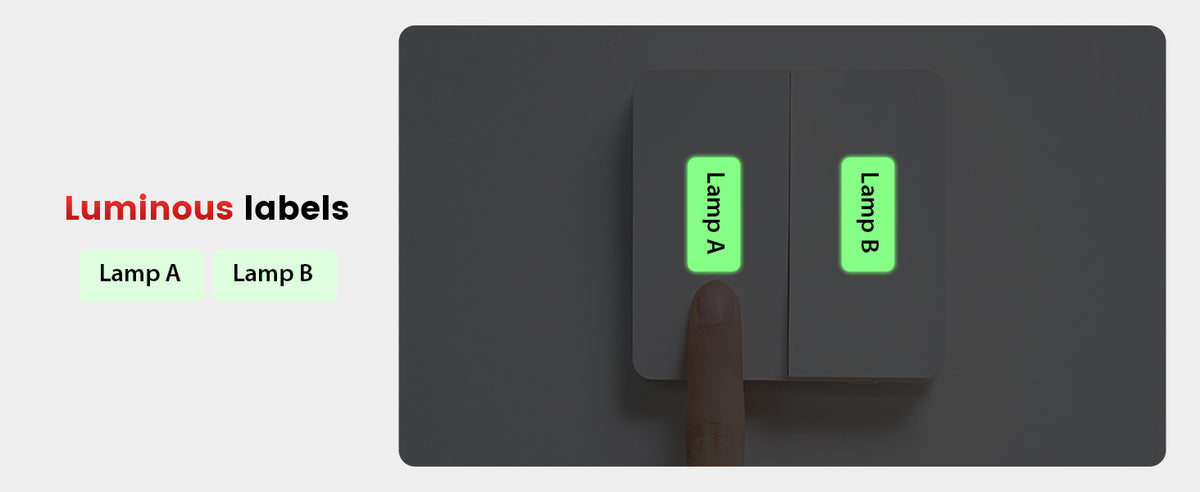
- Tested Materials: The consumables are resistant to water, cold, high temperature, chemicals, and abrasion.
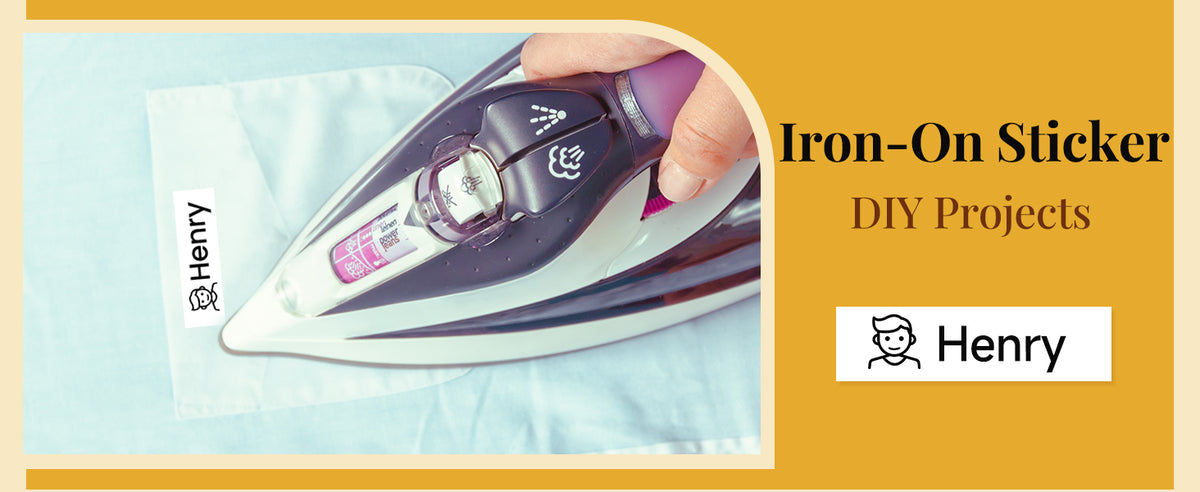
- Application: Garden, kitchen, bathroom, office, etc.
- Easy to Connect with Smart App: All-in-one “Print Master” app with Bluetooth connection. Huge selection of label design materials, 1-second Bluetooth connection.
What's in the box?
- P15 Label Maker × 1
- Test Tapes × 1
- Quick Start Guide × 1
- USB Charging Cable × 1
Specifications
Product Size (mm)
103.4 × 46.5 × 163.8 mm
Paper Size (mm)
14 / 15 mm
Weight (g)
160 g
Power Supply
Lithium Battery
Support PC Version
×
Printing Speed
20 mm/s
Connectivity
Bluetooth
Compatible Devices
Smartphones / Tablet
Control Method
App
Printing Technology
Thermal
Printer Output
Monochrome
Print Media
Labels
DPI
203 DPI
Shipping Policy
Free shipping on all orders See our Shipping Policy for details.
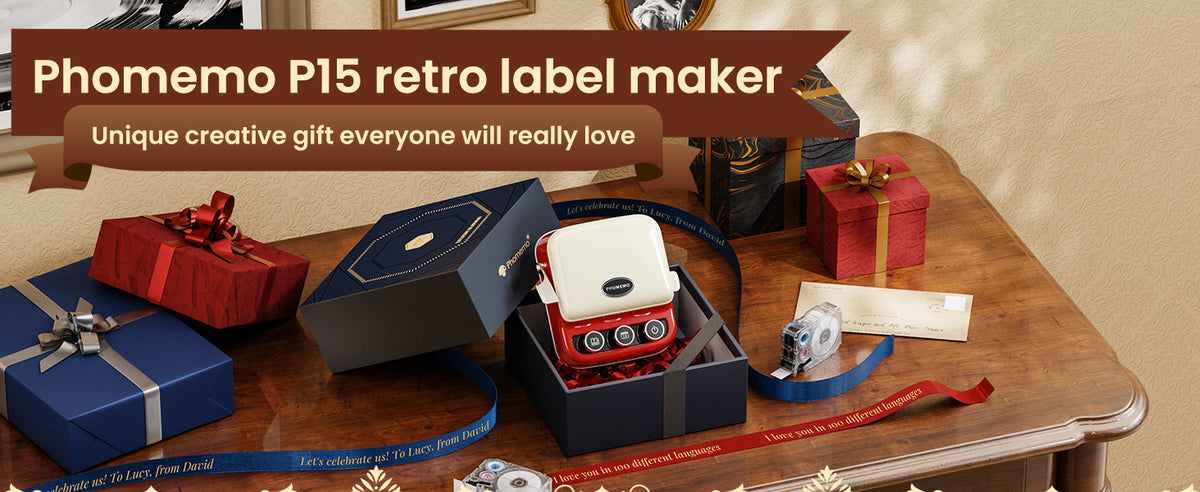
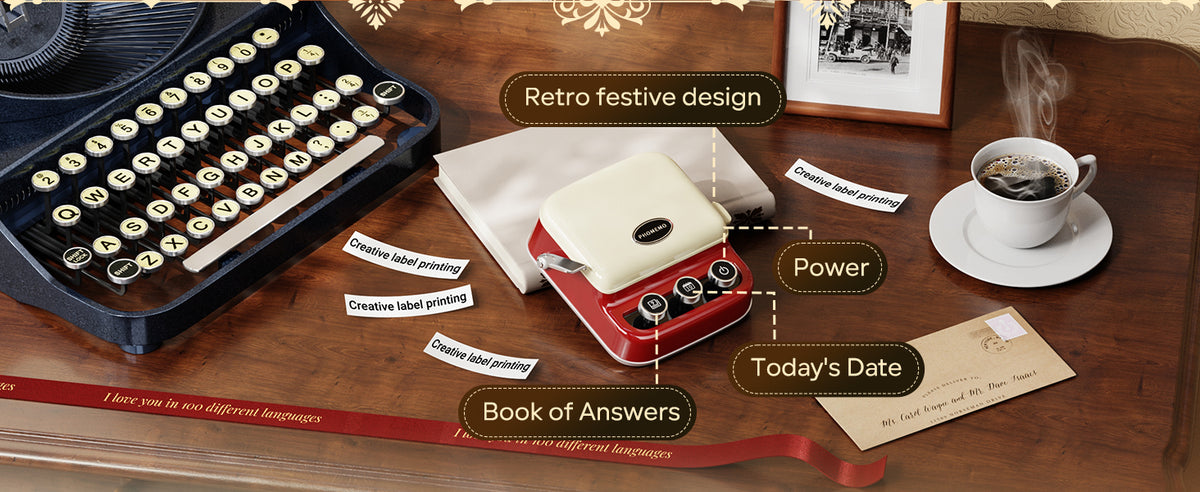

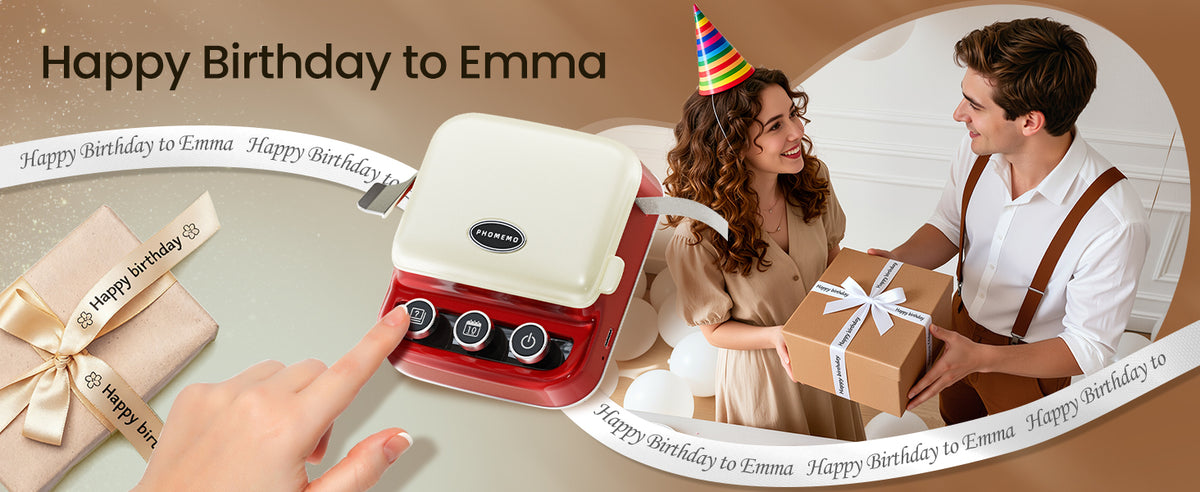
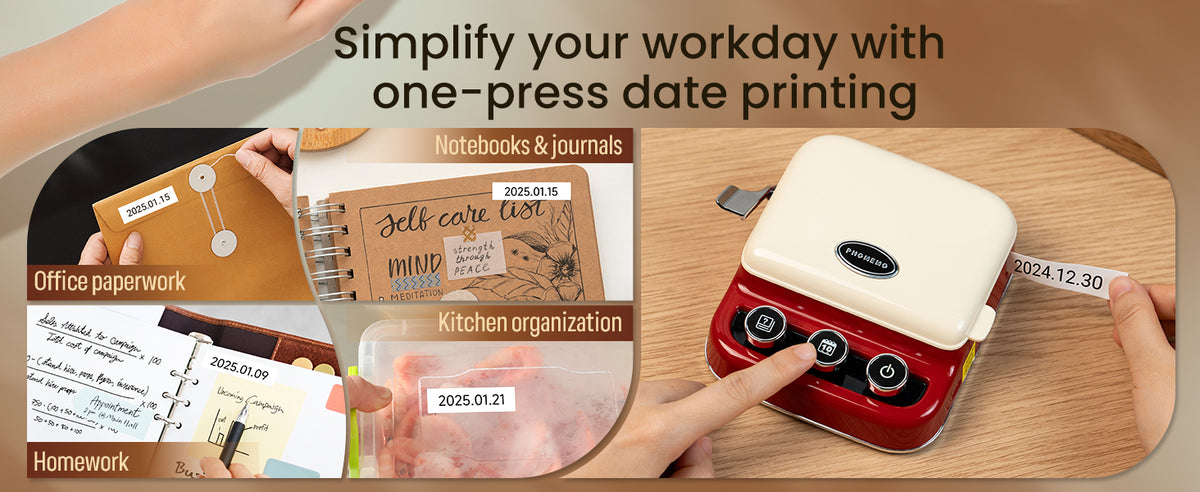



Product Size (mm): 103.4 × 46.5 × 163.8 mm
FAQ
Q1: Why Is My Phomemo Printer Printing Faint or Unclear?
A: This issue may be caused by low battery, improper paper type, or a dirty print head. 1. Ensure your printer is fully charged. 2. Use official Phomemo thermal paper for the best results. 3. Open the lid and gently wipe the print head with a soft, alcohol-based cloth.
Q2: How to Fix Blank Printing & Install Paper Correctly in Phomemo Printer?
A: Blank pages usually result from incorrect paper orientation or unsupported paper types. 1. Confirm the thermal side of the paper is facing the print head. 2. Ensure the paper roll is loaded tightly and aligned properly. 3. Only use Phomemo-branded thermal paper.
Q3: How to Fix Bluetooth Connection Issues on Phomemo Printer?
A: Do not pair via phone Bluetooth settings. Always use the Print Master App. 1. Open the Print Master App and connect through the app directly. 2. If needed, go to: Profile > Tutorials > Software Instructions > Printer Connection to view the video guide.
Q4: What to Do If Phomemo Printer Can't Detect Paper?
A: If your printer says “Paper not detected,” try the following: 1. Reinsert the paper roll and ensure it’s tightly installed. 2. Clean the paper detection sensor near the roller. 3. Use official paper with the correct dimensions.
Q5: Why Is Part of My Phomemo Print Missing or Incomplete?
A: Missing lines or broken text can indicate a dirty print head or a damaged roller. 1. Clean the print head carefully using alcohol wipes. 2. Make sure the paper is not wrinkled or jammed. 3. Update the Print Master App and firmware if available.
Q6: How to Solve Charging Problems on Phomemo Printer?
1. Make sure the paper roll is installed correctly and pull it out of the paper outlet. 2. Clean the print head with alcohol. 3. If the indicator light is still red, try the following steps: When the printer is on and the Remove Label Paper Roll indicator light is red, make sure the printer is in standby with no labels.Press and hold the Power button for 10-20 seconds and release it when the indicator light turns orange.Reinstall the paper roll, turn on the printer and start printing.
Q7: What Does the Red Light Mean on My Phomemo Printer?
A: The red light can indicate overheating, low battery, or paper issues. 1. Allow the printer to cool down if it has been used for extended periods. 2. Check for paper jams or low battery. 3. Refer to the in-app error indicator for more details.
Q8: Why Does My Phomemo Printer Turn Off Automatically?
A: Auto shutdown usually happens due to inactivity or battery-saving settings. 1. Check the app's power-saving mode settings. 2. Recharge the mini printer and ensure the firmware is updated. 3. Avoid long idle times while the printer is powered on.